A calm launch is mostly preparation. The product does not need to be large, but the basic paths, public pages, tracking, support channels, backups, and rollback plan should be ready before the first real users arrive.
Check public pages first
The homepage, pricing page, contact page, login page, and any SEO pages should be checked on desktop and mobile before launch.
Broken layout, missing metadata, weak copy, and slow images can hurt trust before the product is even tested.
Public pages should clearly explain who the product is for, what problem it solves, how to start, and how to contact the team. A visitor should not need to guess what the product does.
- Homepage: clear promise, primary action, proof, and next step.
- Pricing or plans: visible limits, payment terms, trial rules, and support notes.
- Contact page: working form, email fallback, response expectation, and company details when needed.
- Login and registration: clear errors, password reset, and mobile-friendly inputs.
- Legal pages: privacy policy, terms, refund policy, and cookie notice when required.
Verify the production environment
A product can work perfectly in development and fail in production because of missing environment variables, wrong domains, blocked email, weak file permissions, or unfinished DNS records.
Before launch, test the real production domain, real email provider, real payment mode, real storage, real CDN behavior, and real deployment pipeline.
- All required environment variables are set and documented.
- Debug mode is off and error details are not public.
- Allowed hosts, CORS rules, cookie domains, and redirect URLs match production domains.
- Email sending works from production and does not land in spam during basic tests.
- Static files, images, uploads, and generated assets load through the expected domain.
Test the main user path from start to finish
The most important launch test is not a technical unit test. It is a full human path through the product: open the site, understand the offer, register or continue, complete the main action, receive the result, and know what to do next.
This test should be performed in production or a production-like staging environment. Real browsers, real mobile screens, real network conditions, and real user permissions reveal issues that local development hides.
- New visitor can understand the product without a private explanation.
- New user can register or start without being blocked by unclear errors.
- The main task can be completed without developer help.
- Success, empty, loading, and error states are visible.
- The user receives confirmation after important actions.
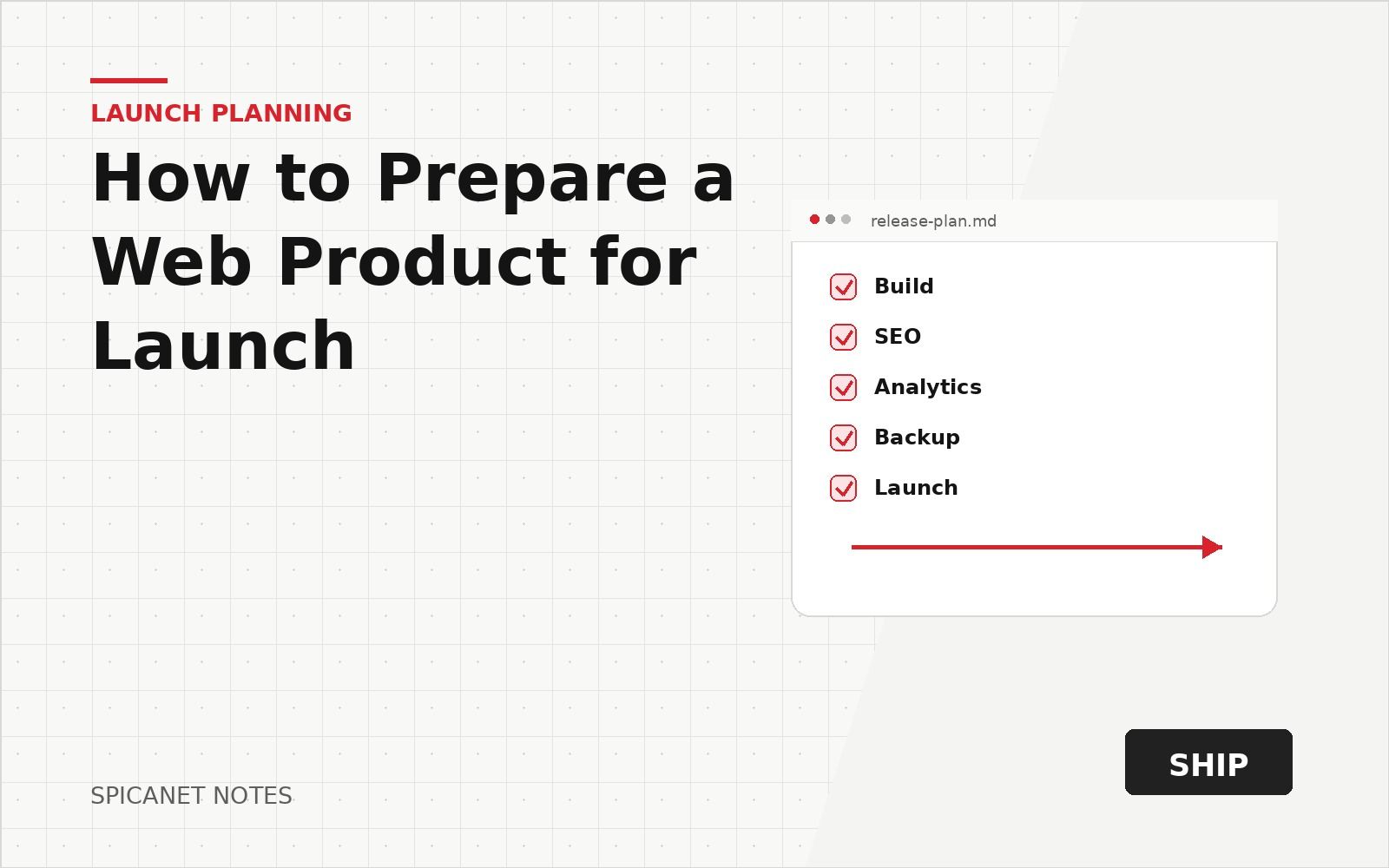
A simple production test path before public release.
- Open public page
- Start account or flow
- Complete main action
- Receive result
- Contact support
Track only useful events
Analytics should answer simple questions: where users come from, what they click, where they stop, and whether the main path works.
Too many events create noise. A small set of clear events is easier to use after launch.
The tracking plan should be written before launch so the team does not start guessing after traffic arrives. Each event should have a reason and an owner who will read it.
- Traffic source and landing page.
- Primary call-to-action click.
- Registration or lead form start.
- Main action completed.
- Payment started and payment finished when payments exist.
- Form error, failed upload, failed checkout, or other blocking problem.
Prepare search and sharing basics
Launch SEO work does not need to be huge, but the basics should be clean. Search engines and social platforms need clear titles, descriptions, canonical URLs, robots rules, sitemap links, and Open Graph images.
This is especially important for directories, content platforms, SaaS landing pages, and portfolio sites where first impressions may come from a shared link.
- Every important public page has title and meta description.
- Canonical URLs are correct and do not point to staging domains.
- Sitemap contains only public pages that should be indexed.
- Robots rules do not block the pages that should be visible.
- Open Graph and preview images are set and tested in link previews.
- 404 pages return the correct status and help users continue.
Suggested rhythm for launch week
- Day 1: watch errors, failed forms, and payment callbacks closely.
- Day 2–3: review analytics for drop-offs in the main path only.
- Day 4–5: batch small fixes; defer new features behind a written backlog.
- End of week: short retrospective on what broke and what to harden next.
- Metadata and Open Graph images are set.
- Contact form or email path works.
- Main user path is tested in production.
- Error pages are present.
- Analytics are checked with real test events.
- Backup and rollback steps are known.
- Email, payment, upload, and search paths are tested if used.
- Mobile layout is checked on common screen sizes.
- The privacy policy and terms match actual product behavior.
- A support process exists for the first users.
Test forms, emails, and notifications
Forms are often the first place where a launch breaks. Contact forms, registration, password reset, newsletter subscription, checkout forms, onboarding questions, and file uploads must all be tested with normal and invalid input.
Email is part of the product experience. A user who cannot confirm an account, reset a password, or receive a receipt may leave even if the application itself works.
- Validation messages are readable and shown near the problem.
- Server-side validation exists for important fields.
- Emails use production sender settings and correct links.
- Password reset and email confirmation links work after deployment.
- Admin notifications include enough context to act quickly.
Check payment paths with extra care
Payment bugs damage trust quickly. If the product accepts payments, test the full payment path with success, failure, cancellation, expired session, and duplicate click scenarios.
The user should never wonder whether money was taken. The product should show clear status and send a receipt or confirmation when appropriate.
- Payment button cannot create accidental duplicate orders.
- Success page verifies the payment result, not only the redirect.
- Failed payment shows a safe retry path.
- Webhook or payment callback failures are logged.
- Admin panel shows payment status and related user or order.
- Refund, cancellation, and subscription rules are written in plain language.
Optimize the pages users actually touch
Performance work should focus on the first landing page, login, registration, search, checkout, dashboards, uploads, and any page used in the main path.
The goal before launch is not perfect scores everywhere. The goal is that real users can move through the product without waiting, reloading, or abandoning the flow.
- Compress and size images before they reach the browser.
- Avoid loading heavy scripts on pages that do not need them.
- Cache public content safely.
- Check slow database queries behind search, lists, and dashboards.
- Test on mobile network conditions, not only fast office Wi-Fi.
Review security and access basics
A launch product does not need an enterprise security program, but basic protection should be in place. Public access, admin access, file uploads, payments, and private user data deserve special attention.
Security work is easier before launch than after a public mistake. A short access review can prevent serious problems.
- Admin routes are protected and not exposed through weak defaults.
- Users cannot access other users data by changing an ID in the URL.
- Uploads have type, size, and permission checks.
- Private environment values are not exposed to the frontend.
- Rate limits or abuse protection exist for sensitive forms.
- Backups are created and the restore path is understood.
Prepare the first week after launch
The first week should focus on watching behavior, fixing real issues, and talking to early users.
Do not plan a large new feature push immediately after launch. Leave time for fixes and learning.
The team should know who checks analytics, who watches logs, who answers support, and who decides whether a bug blocks promotion.
- Check error logs daily during the first launch week.
- Review failed forms, failed payments, and abandoned flows.
- Collect user feedback in one place.
- Separate urgent bugs from product ideas.
- Prepare a small patch release plan instead of a large feature sprint.