
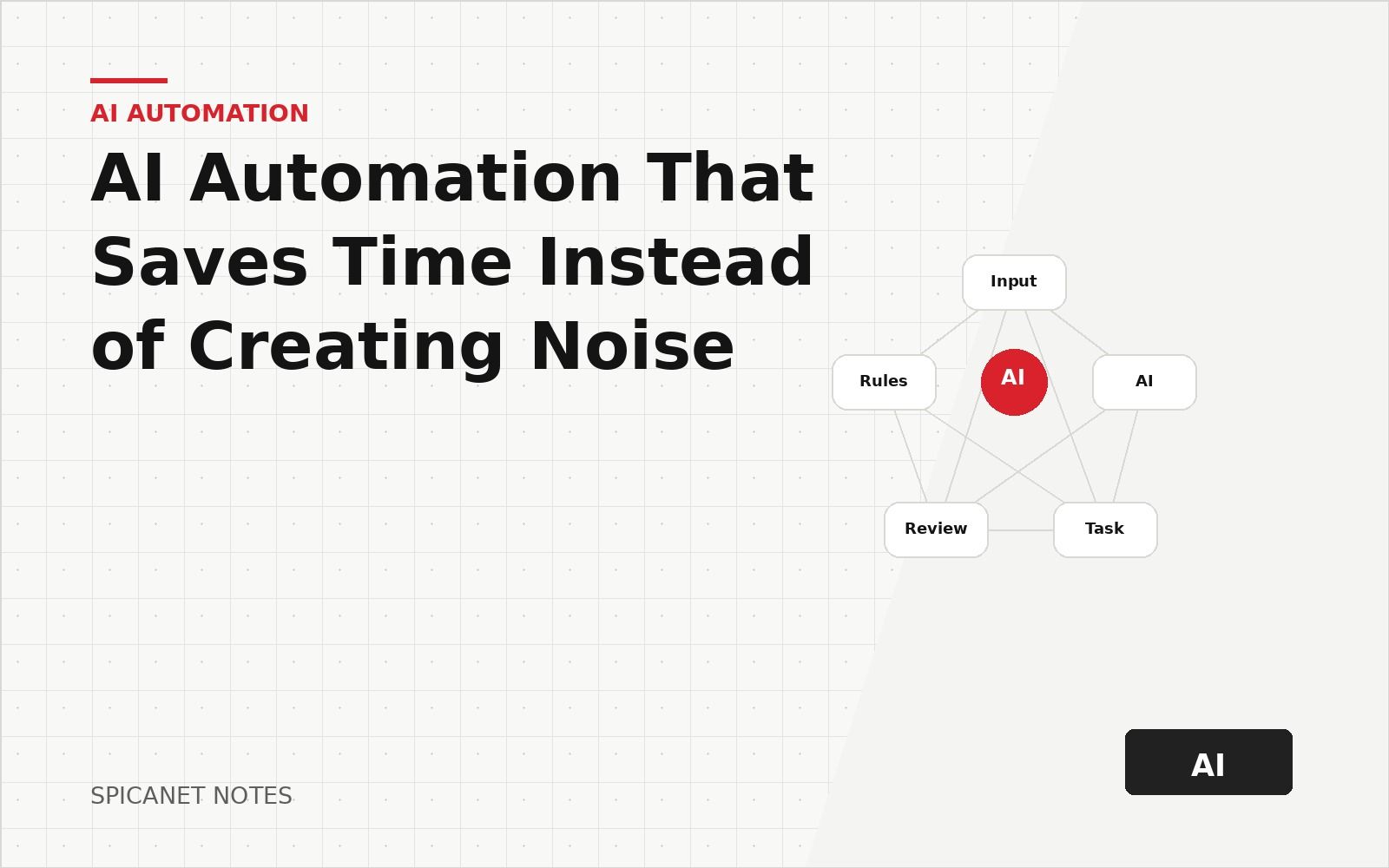
AI is useful when it removes repeated manual work, improves a decision, or helps a user finish a task faster. It is less useful when it is added only because the product needs an AI label. The strongest AI features usually feel simple from the outside: they take rough input, prepare a useful draft, ask for review, and save a clean result.
Start with repeated work
The best AI tasks are often boring: drafting records, classifying content, checking fields, writing first versions, finding missing data, or turning raw input into structured output.
These tasks are easy to compare against manual work. If the result saves time and stays reviewable, the feature has a reason to exist.
A useful starting point is to ask the team what they copy, paste, rewrite, categorize, summarize, or check every day. Repeated effort is usually a stronger signal than a futuristic feature idea.
- Support teams repeat answers, tags, and ticket summaries.
- Content teams repeat outlines, briefs, metadata, and review steps.
- Operations teams repeat status checks, imports, reports, and field cleanup.
- Sales teams repeat lead notes, qualification summaries, and follow-up drafts.
Use a simple task selection table
Not every repeated task deserves AI. Some tasks are better solved with a normal form, a saved filter, a template, or a rule-based workflow. AI is most useful when the input is messy and the desired result still needs judgment.
A practical task selection table can be written in the project brief before development starts.
- Good fit — messy text input, many small variations, reviewable output, clear time saving.
- Maybe — partly structured input, moderate risk, some manual checks still needed.
- Poor fit — exact calculations, legal approval, money movement, irreversible actions, or data that must never be guessed.
- Better without AI — simple status changes, fixed templates, search filters, permissions, and validation rules.
| Category | When it applies | Typical action |
|---|---|---|
| Good fit | Messy text, many variations, output is easy to review | Draft with review before anything is saved |
| Maybe | Partly structured input or moderate business risk | Prototype behind a flag with strict validation |
| Poor fit | Money, legal, health, or irreversible side effects | Prefer deterministic rules and explicit approvals |
| Better without AI | Simple workflows, toggles, and fixed templates | Use forms, filters, saved views, and automation rules |
Define the input and output before choosing a model
Many AI features fail because the team starts with the model instead of the task. The safer order is input, output, review rule, storage rule, then model choice.
Write down what the user provides, what the system should produce, which fields are mandatory, what can remain empty, and what the user must confirm before saving.
- Input example: a rough customer message, pasted spreadsheet row, product description, receipt text, or internal note.
- Output example: title, category, status, summary, tags, next action, risk flag, or clean JSON object.
- Review rule: the user confirms, edits, rejects, or asks for a second version.
- Storage rule: only approved output is saved; raw private input is not stored unless it is needed.
A good AI feature should be easy to reject, easy to edit, and easy to compare with the old manual process.
Keep important actions reviewable
AI should not silently change important business data. For many products, the safer pattern is suggestion first, user approval second.
This is especially important for publishing, finance, legal, medical, or customer-facing messages. The user should always understand what the system prepared and what will happen after approval.
Review does not have to be slow. A well-designed approval screen can show the suggested changes, highlight uncertain fields, and let the user accept all safe items while editing only the risky ones.
- Draft instead of auto-send.
- Suggest instead of overwrite.
- Flag instead of delete.
- Explain instead of hide.
- Ask for approval before changing public text, prices, user permissions, or payment-related data.
A simple path for AI features that need user control.
- Input
- AI draft
- User review
- Save result
- Measure outcome
Design for uncertainty instead of hiding it
AI output can be helpful and still be incomplete. A product should not pretend that every answer has the same level of confidence. Users need visible signals when a field may be wrong or when source input is weak.
For internal tools, uncertainty can be shown with short labels such as needs review, low confidence, missing source, or user confirmation required. Clear labels make the feature safer without making the interface heavy.
- Mark fields that were guessed from weak input.
- Separate extracted facts from generated wording.
- Show source snippets for important claims when available.
- Let users keep an original note beside the cleaned output.
Prefer structured output for product features
Free text is fine for drafts, but product workflows usually need structured fields. A support ticket needs category and priority. A finance app needs amount, currency, date, account, and note. A content system needs title, slug, excerpt, tags, and status.
Structured output makes AI easier to test. The product can validate required fields, reject invalid values, and ask the user to fix missing data before saving.
- Use fixed enums for categories, statuses, roles, and risk levels.
- Validate dates, amounts, currency codes, emails, URLs, and IDs before storing.
- Keep a draft state until the user approves the result.
- Store model version and prompt version when the output affects business decisions.
Measure time saved, not AI activity
AI activity by itself is not a product metric. A feature can generate thousands of drafts and still fail if users spend more time fixing them than doing the work manually.
The most useful metrics compare the AI-assisted workflow against the old process: time to complete, edit rate, rejection rate, user satisfaction, and number of tasks finished without support.
- Completion time before and after AI.
- Percentage of suggestions accepted without edits.
- Percentage of suggestions edited before saving.
- Percentage of suggestions rejected.
- Number of manual steps removed from the workflow.
- The manual workflow is described step by step.
- The expected output is clear and testable.
- The user can review important changes before saving.
- Invalid or missing fields are handled visibly.
- The feature has fallback behavior when AI fails.
- Sensitive input is not stored without a clear reason.
- The team knows which metric will prove time saving.
- The first release can be tested with real examples, not only demo text.
Common product patterns that work well
Practical AI is usually attached to an existing user action. It should not feel like a separate chatbot floating away from the product. The user should see AI near the form, list, editor, ticket, upload, or report where the work already happens.
The examples below are useful because they reduce a real task and still leave the final choice to the user.
- Content draft assistant: creates first versions of titles, excerpts, tags, and outlines.
- Admin cleanup assistant: detects duplicate records, missing fields, and suspicious values.
- Support assistant: summarizes a thread and drafts a reply that an operator can edit.
- Data import assistant: maps unknown columns to known fields and asks for confirmation.
- Finance note parser: turns a human sentence into amount, currency, category, account, and date.
Roll out AI in small controlled steps
The first AI version should be limited. It can be available to admins only, hidden behind a feature flag, or used on a small set of records. This makes mistakes cheaper and feedback faster.
After the feature proves that it saves time, the team can widen access, add more input types, and improve the approval screen. A slow rollout is often safer than a big launch with unclear behavior.
- Step 1: run on historical examples and compare output manually.
- Step 2: enable drafts for internal users only.
- Step 3: add approval, edit history, and rejection reasons.
- Step 4: widen access to trusted users.
- Step 5: measure time saved and remove weak prompts.